 playtua
Parent's Guide to Safe Free Games for Kids in 2025
A parent's guide to finding safe, free games for kids. No ads, no purchases, no inappropriate content. Educational games that kids actually enjoy. Explore the topic in detail, discover related games and follow the links to keep learning. Whether you are choosing your next game or returning to a favourite, use this story as a starting point for a more enjoyable round.


As a parent, finding safe mobile games for your children feels like navigating a minefield. You download a cute-looking game, hand your phone to your child, and within minutes they're watching unskippable video ads, being asked to spend $4.99 on virtual coins, or tapping links that take them to the app store.
It doesn't have to be this way.
Playtua offers 50+ games that are genuinely safe for children of every age. Zero ads. Zero in-app purchases. Zero inappropriate content. Zero external links. Just pure, safe, educational fun.
The Problem With "Free" Kids Games
Let's be honest about what most free kids games actually look like:
Ads every 30 seconds — often for inappropriate products or other games
Unskippable video ads — 30-second interruptions that frustrate young children
"Accidental" purchase buttons — strategically placed where kids will tap them
Loot boxes and gacha mechanics — teaching gambling behavior to children
Social features — chat rooms and friend requests from strangers
Data collection — tracking your child's behavior for advertising purposes
A 2024 study found that the average "free" children's game shows an ad every 90 seconds and contains 17 opportunities to spend real money. That's not a game — it's an advertisement with game elements.
Why Playtua Is Different
Playtua was designed with a simple philosophy: games should be fun, not monetization vehicles. Here's what that means for your family:
Every game mentioned is free to download on Google Play and the App Store with no in-app purchases.
Best Games for Young Children (Ages 4-7)
Young children need games with simple controls, bright visuals, and no frustration.
Balloon Blaster — Tap to Pop
Balloon Blaster is perfect for the youngest players. Colorful balloons float upward, and kids simply tap to pop them before they escape. The large touch targets accommodate small fingers, the bright colors are visually engaging, and the difficulty ramps gently.
What kids learn: Hand-eye coordination, color recognition, reaction speed
Popit Fidget — Satisfying Sensory Play
Popit Fidget recreates the incredibly satisfying bubble-popping experience that kids love. It's a digital fidget toy — calming, sensory-rich, and endlessly enjoyable. No scores, no pressure, just satisfying pops.
What kids learn: Fine motor skills, sensory processing, self-regulation
Whack A Mole — Fast Tapping Fun
Whack A Mole is a timeless arcade game that kids adore. Moles pop up from holes, and kids tap to whack them. The progressively increasing speed keeps older children challenged while younger ones enjoy the basic tapping at slower speeds.
What kids learn: Reaction time, visual tracking, hand-eye coordination
Best Games for School-Age Kids (Ages 8-12)
At this age, children benefit from games that offer cognitive challenges wrapped in fun.
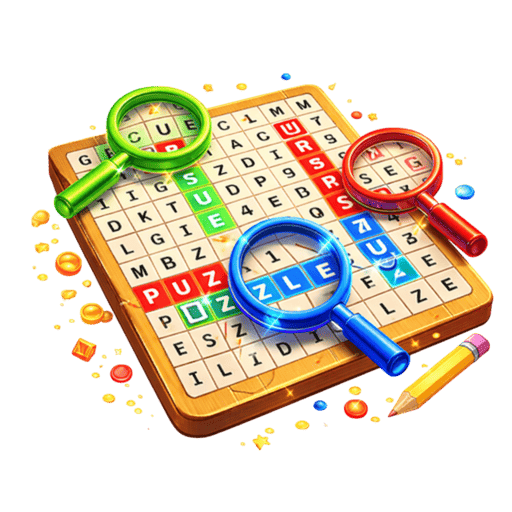
Word Search — Vocabulary Building
Word Search is one of the most educationally valuable games in Playtua. Kids search for hidden words in letter grids, reinforcing spelling, expanding vocabulary recognition, and building systematic search strategies.
What kids learn: Spelling, vocabulary, pattern recognition, patience
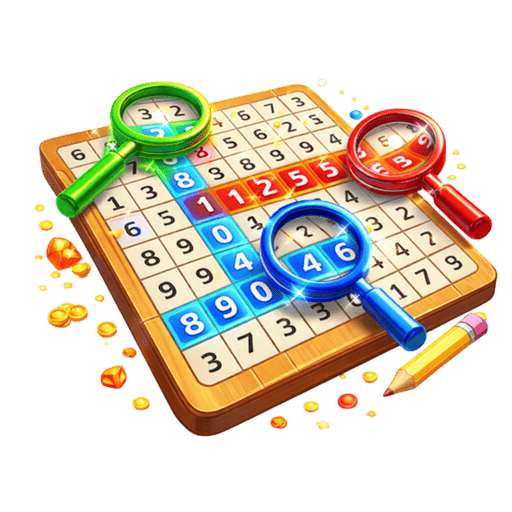
Number Search — Mathematical Awareness
Number Search does for numbers what Word Search does for words. Finding number sequences in digit grids strengthens mathematical pattern recognition and numerical fluency — skills that directly support math performance in school.
What kids learn: Number recognition, mathematical patterns, focused attention
Colors Sort — Logical Thinking
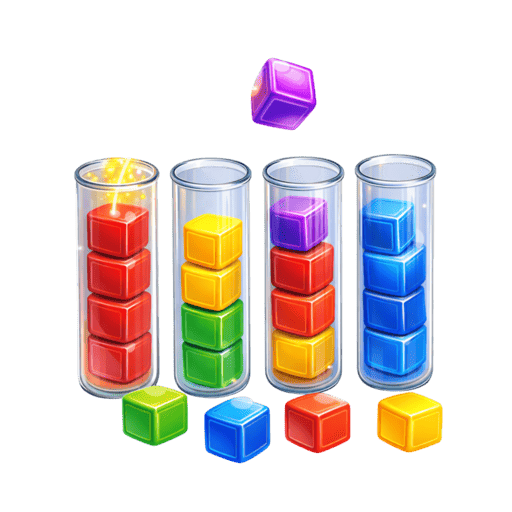
Colors Sort teaches logical, sequential thinking. Kids must figure out the right order of moves to sort colors into matching tubes — a constraint satisfaction problem that builds the same thinking skills used in coding and mathematics.
What kids learn: Logical reasoning, sequential planning, problem-solving
Candy Crush — Strategic Pattern Matching
Candy Crush teaches strategic thinking through its match-3 mechanics. Kids learn to scan for patterns, predict consequences of moves, and plan several steps ahead. The colorful candy theme keeps engagement high.
What kids learn: Pattern recognition, strategic planning, visual scanning
Best Games for Teenagers (Ages 13+)
Teenagers want games that offer genuine challenge and a sense of mastery.
Flappy Bird — The Ultimate Skill Test
Flappy Bird is the perfect teen game — brutally difficult, endlessly replayable, and a genuine test of timing and patience. Teens love the challenge and the bragging rights that come with high scores.
Car Racing & Bike Racing — Adrenaline Rush
Car Racing and Bike Racing deliver the fast-paced action that teens crave. Dodge traffic, chase high scores, and compete on leaderboards — all without the violent content found in many teen-targeted games.
2048 & Block Blast — Deep Strategy
2048 and Block Blast offer the kind of deep strategic gameplay that keeps analytical teens engaged for hours. These games reward intelligence and planning, building skills that transfer to academics.
Setting Up Playtua for Your Child
Getting your child set up with safe gaming takes literally 60 seconds:
Download Playtua on your phone or their device (under 50MB)
Open the app — no account or sign-up needed
That's it — every game is immediately available and safe
There are no settings to configure, no parental controls to enable (because there's nothing unsafe to control), and no accounts that could be compromised. It's safe by design, not safe by restriction.
Screen Time Guidance
While Playtua games are safe, managing screen time is still important. Here are age-appropriate guidelines based on the American Academy of Pediatrics recommendations:
Ages 4-5: 30-60 minutes per day, with a parent nearby
Ages 6-12: 60-90 minutes per day, balanced with physical activity
Ages 13+: Help teens self-regulate with agreed-upon limits
Pro tip: Use Playtua games as a reward for completing homework or chores. "30 minutes of Playtua after you finish reading" is a powerful motivator that teaches delayed gratification.
See why parents trust Playtua on our about page and browse the full game collection.
Keep Reading
The Educational Value of Well-Designed Games
Not all screen time is equal. Research consistently shows that interactive puzzle games provide measurable cognitive benefits for children:
Problem-solving skills improve with regular puzzle game play
Spatial reasoning develops through games like Maze Runner and Block Blast
Working memory strengthens with games that require holding multiple pieces of information
Patience and persistence grow through challenging games like Flappy Bird
Hand-eye coordination develops through action games like Fruit Ninja
The key is choosing games that challenge without frustrating, and avoiding the negative effects of ad exposure and purchase pressure. Playtua checks both boxes.
📱 Download Playtua — App Store · Google Play — 50+ safe, free, educational games your kids will love.
Featured Games






FAQ
Are Playtua games really safe for kids?
Do kids need internet to play?
More Articles
Download Playtua Free
50+ native 3D games, minimal ads, works offline. Go ad-free with Premium!
Download NowLearn a game from its own guide.
After “Parent's Guide to Safe Free Games for Kids in 2025”, explore the game guides and collections behind the stories. The dedicated game guides explain objectives, touch controls and practical tips in one place. Use them alongside the articles when you want the details for a particular game.
Penguin Run guide
Learn lane changes, jumping and sliding, then follow the goal of reaching the end of the jungle track.
ExploreBlock Blast guide
Understand block placement, line clearing and the space you need to keep open for the next shape.
ExploreCar Racing guide
Read the steering controls and learn how traffic, speed and the finish-line objective fit together.
ExploreFind a collection for your next break.
Collections group games around a style of session, from a few spare minutes to a longer offline journey. Their descriptions help you compare ideas without committing to a particular genre.
Quick-break games
Discover picks for a spare moment, with clear objectives and a range of controls and challenge levels.
ExploreOffline travel
Explore games for journeys and places where a reliable connection may be unavailable.
ExploreBrain-training picks
Browse puzzles and strategy games built around patterns, planning and making thoughtful choices.
ExploreMore stories from the collection.
Continue with a practical guide or a closer look at a way to play. These articles connect specific games with the everyday moments in which you might enjoy them.
Car Racing tips
Read ideas for handling traffic and building a more consistent run in Car Racing.
ExploreOffline games
Explore the collection’s offline side and ideas for choosing games before your next journey.
ExploreGames for families
Read the parents’ guide to choosing games from the collection and exploring them together.
ExploreOne collection on iOS and Android.
Choose your device’s store to see current compatibility, installation details and available purchase options. All games currently remain playable without a subscription; Premium badges are labels only.
App Store
Open the iOS listing to check device compatibility and install Playtua on your supported Apple device.
ExploreGoogle Play
Open the Android listing to review compatibility and installation details for your phone or tablet.
ExploreFree and Premium
Play the collection free with ads, or review the optional ad-free subscription. The purchase screen shows the current local price and billing terms.
Explore