 playtua
Best One-Hand Games — Play Anywhere With a Single Thumb
Need to play with one hand? These mobile games work perfectly with just your thumb. Play while holding coffee, on the bus, or lying in bed. Explore the topic in detail, discover related games and follow the links to keep learning. Whether you are choosing your next game or returning to a favourite, use this story as a starting point for a more enjoyable round.

There are countless moments when you only have one hand free. Holding a coffee. Gripping a subway rail. Carrying a bag. Holding a baby. Lying on your side in bed. Eating a sandwich. The list is endless.
Most mobile games assume two-handed play with complex gesture controls. These Playtua games are designed — or naturally suited — for pure one-thumb operation.
Single-Tap Games (Easiest One-Hand Play)
These games use only a single tap gesture. Your thumb stays in one spot.
Flappy Bird — Tap to Fly
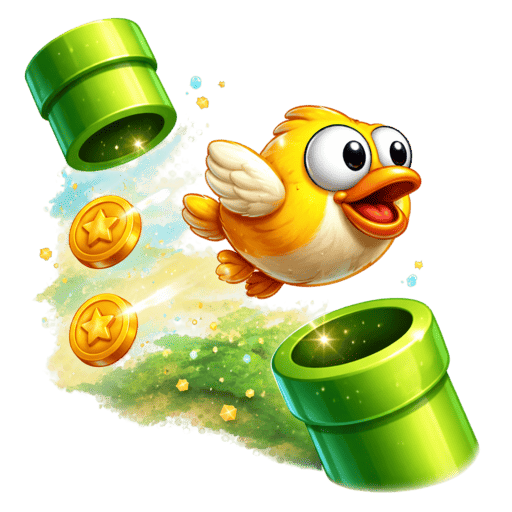
Flappy Bird is the perfect one-hand game. One tap = one flap. Your thumb taps the same spot repeatedly. No swiping, no dragging, no multi-touch. Hold your phone in one hand and tap with your thumb.
One-hand rating: ★★★★★ (perfect)
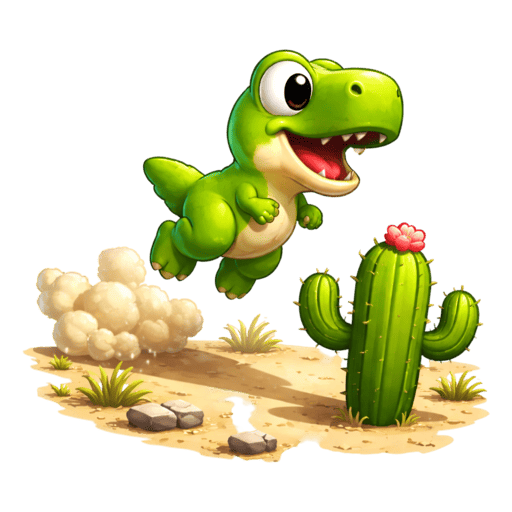
Dino Jump — Tap to Jump
Dino Jump uses identical controls to Flappy Bird — single tap to jump over obstacles. The Chrome dinosaur game was practically designed for one-thumb play.
One-hand rating: ★★★★★ (perfect)
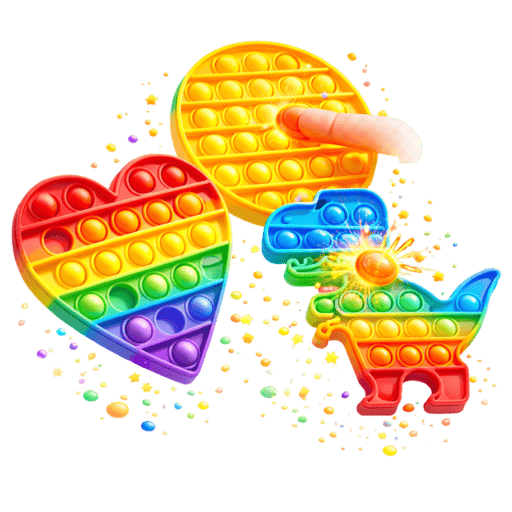
Popit Fidget — Tap to Pop
Popit Fidget is pure one-thumb satisfaction. Tap bubbles to pop them. No precision needed, no time pressure, no complex gestures. The most relaxing one-hand game possible.
One-hand rating: ★★★★★ (perfect)
Single-Swipe Games
These games use directional swipes — easily done with one thumb.
Get all these games in one free download on Google Play or the App Store — works completely offline.
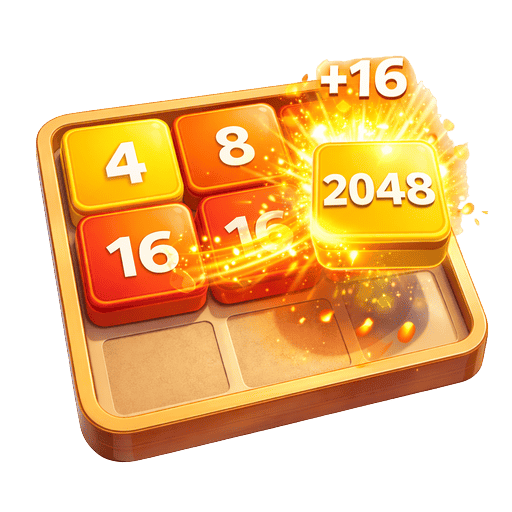
2048 — Swipe in Four Directions
2048 uses only four gestures: swipe up, down, left, or right. All easily performed with a single thumb. The strategic depth is enormous for such simple controls.
One-hand rating: ★★★★★ (perfect)
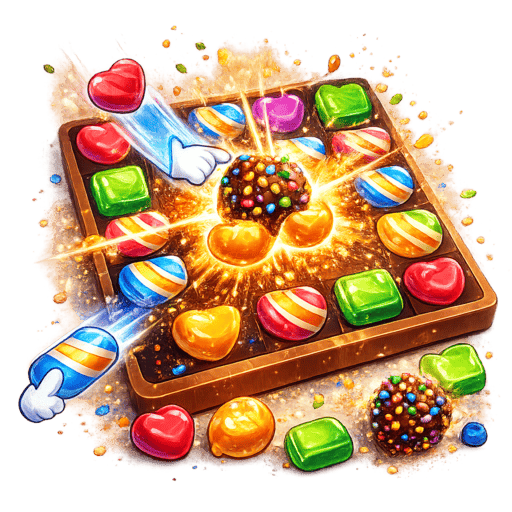
Candy Crush — Swipe to Match
Candy Crush uses swipe gestures to swap adjacent candies. Each swipe is a short thumb movement — no precision positioning needed.
One-hand rating: ★★★★☆ (excellent)
Tap-and-Drag Games
These require slightly more thumb movement but still work perfectly one-handed.
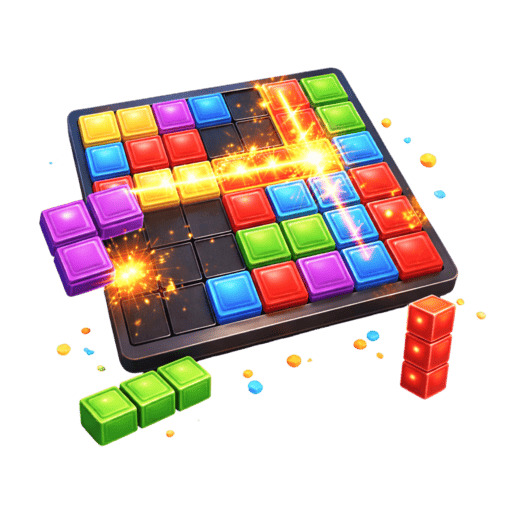
Block Blast — Drag to Place
Block Blast involves dragging block pieces onto the board. On smaller phones, your thumb can reach the entire board. On larger phones, you might occasionally need to adjust your grip.
One-hand rating: ★★★★☆ (excellent)
Tip: Hold your phone slightly lower in your hand so your thumb reaches the top of the board.
Bubble Shooter — Aim and Tap
Bubble Shooter uses a touch-to-aim, release-to-shoot mechanic. Your thumb handles both aiming and firing in a single gesture.
One-hand rating: ★★★★☆ (excellent)
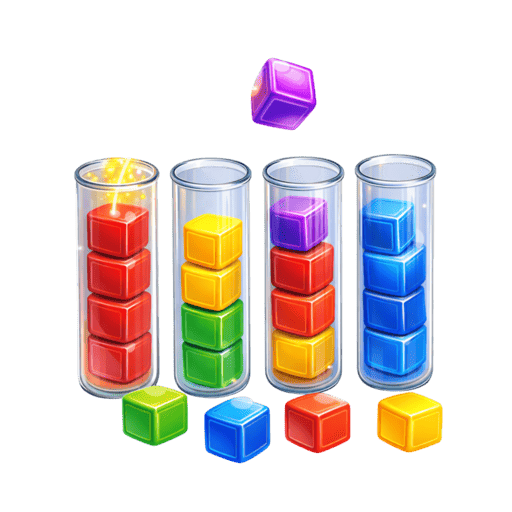
Colors Sort — Tap Tubes
Colors Sort involves tapping source and destination tubes. Two taps per pour, easily done with one thumb. The tubes are large enough targets that precision isn't required.
One-hand rating: ★★★★☆ (excellent)
Scanning Games
These require moving your thumb across the screen but with no time pressure.
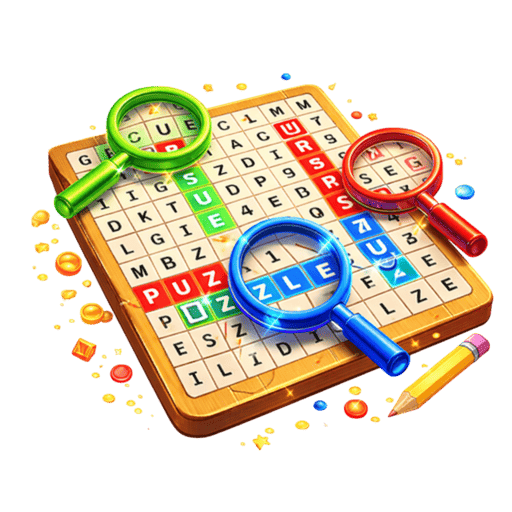
Word Search — Tap and Swipe Words
Word Search involves scanning the grid and swiping across found words. The no-timer gameplay means you can take your time with one-thumb navigation.
One-hand rating: ★★★★☆ (excellent)
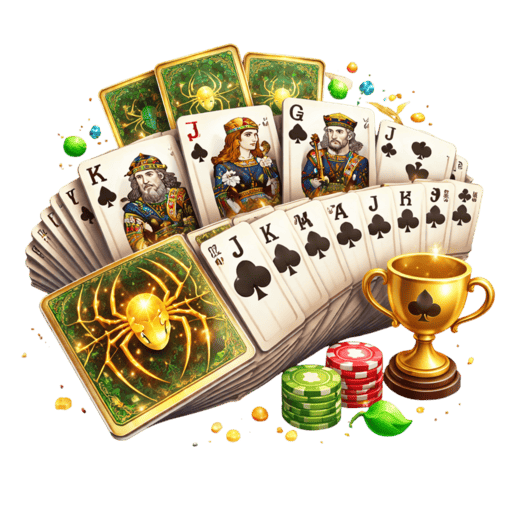
Spider Solitaire — Tap Cards
Spider Solitaire uses tap-to-select and tap-to-place card interactions. The card targets are large enough for comfortable thumb operation.
One-hand rating: ★★★☆☆ (good — larger phones may require grip adjustment)
Best One-Hand Situations
Holding Coffee/Drink
Best games: Flappy Bird, 2048, Dino Jump Why: Single gesture controls, no sudden movements needed
Standing on Bus/Train
Best games: Block Blast, Word Search, 2048 Why: No time pressure means you won't miss your stop
Lying in Bed on Your Side
Best games: Spider Solitaire, Colors Sort, Popit Fidget Why: Relaxing games, gentle thumb movements
Eating Lunch
Best games: Word Search, 2048, Bubble Shooter Why: Can be played between bites with one free hand
Carrying a Bag/Child
Best games: Flappy Bird, Dino Jump, Popit Fidget Why: Absolute minimum thumb movement required
Explore all Playtua features or check out our full game collection.
Keep Reading
Phone Size Considerations
One-hand playability varies with phone size:
Tip for large phones: Enable one-handed mode in your phone settings to shrink the display for easier thumb reach.
📱 Download Playtua — App Store · Google Play — 50+ games, most playable with one thumb. Free, offline, no ads.
Featured Games

FAQ
Which games can I play with just my thumb?
Can I play these games while holding my phone in one hand?
More Articles
Download Playtua Free
50+ native 3D games, minimal ads, works offline. Go ad-free with Premium!
Download NowLearn a game from its own guide.
After “Best One-Hand Games — Play Anywhere With a Single Thumb”, explore the game guides and collections behind the stories. The dedicated game guides explain objectives, touch controls and practical tips in one place. Use them alongside the articles when you want the details for a particular game.
Penguin Run guide
Learn lane changes, jumping and sliding, then follow the goal of reaching the end of the jungle track.
ExploreBlock Blast guide
Understand block placement, line clearing and the space you need to keep open for the next shape.
ExploreCar Racing guide
Read the steering controls and learn how traffic, speed and the finish-line objective fit together.
ExploreFind a collection for your next break.
Collections group games around a style of session, from a few spare minutes to a longer offline journey. Their descriptions help you compare ideas without committing to a particular genre.
Quick-break games
Discover picks for a spare moment, with clear objectives and a range of controls and challenge levels.
ExploreOffline travel
Explore games for journeys and places where a reliable connection may be unavailable.
ExploreBrain-training picks
Browse puzzles and strategy games built around patterns, planning and making thoughtful choices.
ExploreMore stories from the collection.
Continue with a practical guide or a closer look at a way to play. These articles connect specific games with the everyday moments in which you might enjoy them.
Car Racing tips
Read ideas for handling traffic and building a more consistent run in Car Racing.
ExploreOffline games
Explore the collection’s offline side and ideas for choosing games before your next journey.
ExploreGames for families
Read the parents’ guide to choosing games from the collection and exploring them together.
ExploreOne collection on iOS and Android.
Choose your device’s store to see current compatibility, installation details and available purchase options. All games currently remain playable without a subscription; Premium badges are labels only.
App Store
Open the iOS listing to check device compatibility and install Playtua on your supported Apple device.
ExploreGoogle Play
Open the Android listing to review compatibility and installation details for your phone or tablet.
ExploreFree and Premium
Play the collection free with ads, or review the optional ad-free subscription. The purchase screen shows the current local price and billing terms.
Explore