 playtua
Best Mobile Games for Seniors — Easy, Fun, and Brain-Healthy
Discover the best mobile games for seniors! Easy controls, large visuals, brain-stimulating gameplay. All free with no ads or confusing purchases. Explore the topic in detail, discover related games and follow the links to keep learning. Whether you are choosing your next game or returning to a favourite, use this story as a starting point for a more enjoyable round.


Finding good mobile games for seniors can be frustrating. Most apps are either too complicated, too fast-paced, or riddled with confusing ads and purchase pop-ups that create anxiety rather than entertainment. Many seniors give up on mobile gaming entirely — not because they don't enjoy games, but because the experience around the games is terrible.
Playtua solves every one of these problems. Simple controls, clear visuals, zero ads, zero purchase prompts, and games that genuinely exercise the brain. Here's a guide to the best games for older adults.
What Makes a Game Senior-Friendly?
The best games for seniors share these qualities:
Simple controls — tap or swipe, nothing more complex
Clear visuals — large elements, high contrast, readable text
No time pressure — play at your own pace without rushing
No ads — interruptions cause confusion and frustration
No purchases — no "buy coins" pop-ups that create anxiety
Meaningful engagement — stimulates the brain, not just the fingers
Every game recommended below meets all six criteria.
Best Games for Cognitive Maintenance
Word Search — Vocabulary and Visual Scanning
All of these games are available for free on Google Play and the App Store — no subscriptions needed.
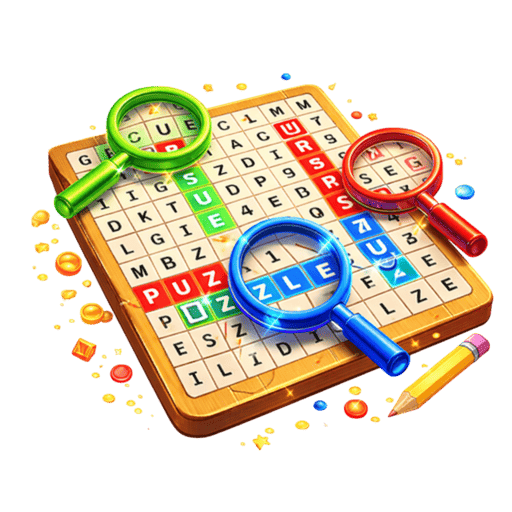
Word Search is perhaps the most universally enjoyed game among seniors. Scan a grid of letters to find hidden words — it exercises vocabulary recognition, visual scanning, and sustained attention.
Why seniors love it: Familiar concept (many already do word searches in newspapers), no time pressure, large clear letters, deeply satisfying to find each word.
Cognitive benefits: Visual scanning speed, vocabulary maintenance, pattern recognition, sustained focus.
Number Search — Numerical Pattern Recognition
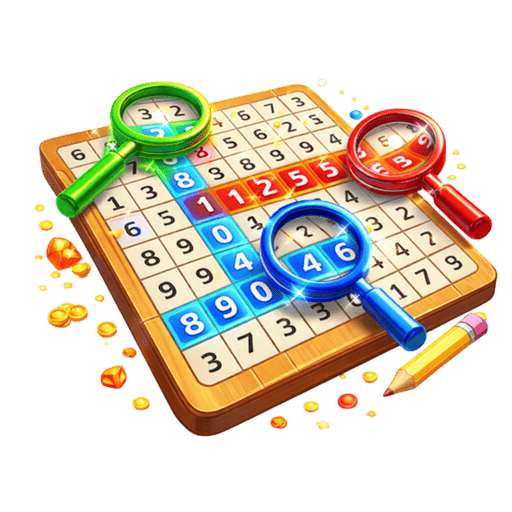
Number Search is the numerical counterpart to Word Search. Find number sequences hidden in a grid of digits. It provides gentle mathematical stimulation without requiring actual calculations.
Why seniors love it: Simple concept, clear large numbers, exercises a different part of the brain than word games.
Cognitive benefits: Numerical fluency, sequential pattern recognition, visual scanning.
Spider Solitaire — Deep Card Strategy
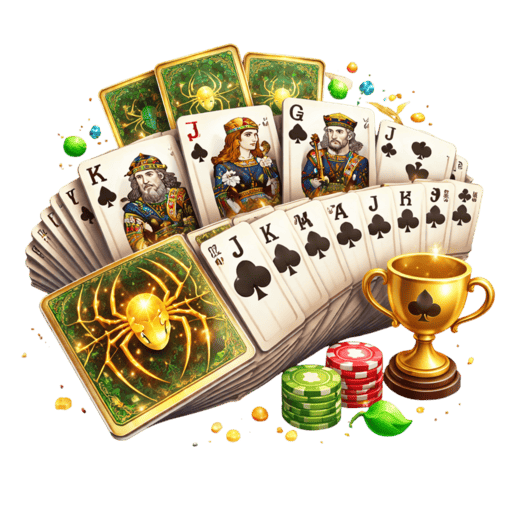
Spider Solitaire is the gold standard of card games for older adults. Many seniors already know the rules from playing with physical cards, and the digital version eliminates the physical difficulty of shuffling and dealing.
Why seniors love it: Familiar card game format, adjustable difficulty (1-suit is easy, 4-suit is challenging), long satisfying sessions.
Cognitive benefits: Strategic planning, sequential reasoning, working memory, patience.
2048 — Gentle Mathematical Challenge
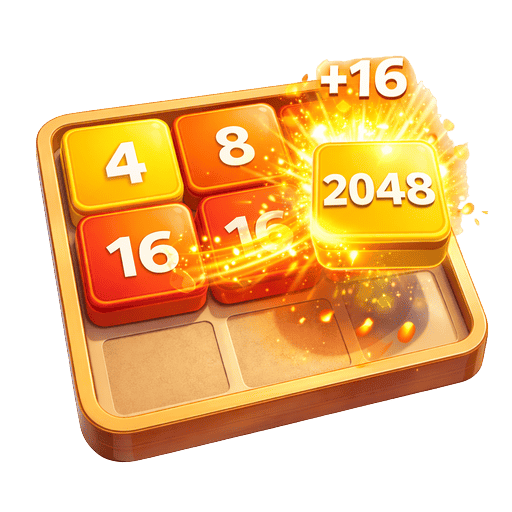
2048 uses simple swipe controls to merge numbered tiles. The mathematical nature stimulates logical thinking, and the lack of time pressure allows careful, methodical play.
Why seniors love it: Simple swipe controls, clear large numbers, plays at your own pace, deeply satisfying merges.
Cognitive benefits: Forward planning, spatial reasoning, mathematical thinking, decision-making.
Best Games for Relaxation
Colors Sort — Calming Logic
Colors Sort involves pouring colored liquids between tubes to sort them. The gentle pace, vibrant colors, and logical satisfaction make it perfect for relaxing while keeping the mind active.
Why seniors love it: No time pressure, colorful and calming, undo button prevents frustration, deeply satisfying to complete.
Popit Fidget — Sensory Comfort
Popit Fidget is a digital bubble-popping toy. No scores, no winning or losing — just the simple, satisfying sensation of popping bubbles. It's perfect for calming anxiety, occupying restless hands, or simply enjoying a quiet sensory experience.
Why seniors love it: Zero complexity, calming sensory feedback, no way to "fail," therapeutic and soothing.
Bubble Shooter — Rhythmic Satisfaction
Bubble Shooter offers gentle, rhythmic gameplay — aim, shoot, watch bubbles pop. The consistent pattern is almost meditative, and the cascading chain reactions provide visual satisfaction.
Why seniors love it: Familiar concept, clear colorful visuals, satisfying pop sounds, relaxing rhythm.
Best Games for Social Connection
Candy Crush — Shared Experience
Candy Crush is the most widely recognized mobile game in the world. Many seniors' friends and family already play it, making it a conversation starter and shared experience.
Why seniors love it: Cultural phenomenon everyone recognizes, colorful and cheerful, achievable goals.
Tile Home — Pattern Matching
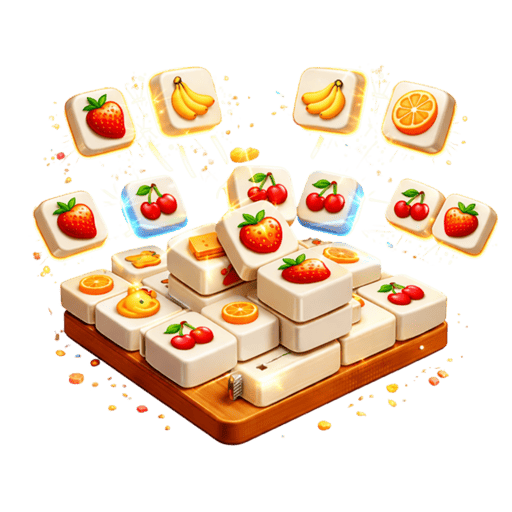
Tile Home offers simple match-3 tile gameplay with a warm, homey visual design. Tap matching tiles to collect them — straightforward and satisfying.
Why seniors love it: Simple tap controls, warm visual design, clear matching mechanics.
Setting Up Playtua for a Senior
If you're helping a parent or grandparent get started:
Download Playtua on their phone or tablet (under 50MB)
Open the app — no account or sign-up needed
Show them Word Search or Spider Solitaire first — most familiar concepts
Increase text size in phone settings if needed (games adapt automatically)
Enable "Do Not Disturb" to prevent notifications from interrupting gameplay
Important: Reassure them that there are no ads, no pop-ups, and no way to accidentally spend money. This single reassurance eliminates the #1 anxiety seniors have about mobile gaming.
A Gentle Daily Routine
Morning Brain Wake-Up (10 min)
Word Search — gentle vocabulary engagement
Number Search — numerical brain activation
Afternoon Entertainment (15 min)
Spider Solitaire — deeper strategic play
Candy Crush — colorful, cheerful gaming
Evening Wind-Down (10 min)
Colors Sort — calming logic
Popit Fidget — sensory relaxation before bed
Learn more about what makes Playtua different on our features page.
Keep Reading
The Science: Gaming and Cognitive Health in Seniors
Multiple peer-reviewed studies support the cognitive benefits of puzzle gaming for older adults:
A 2019 study in International Journal of Geriatric Psychiatry found that regular puzzle engagement was associated with sharper cognitive function equivalent to being 8-10 years younger
Research from the University of Exeter showed that adults over 50 who regularly played number and word puzzles had brain function equivalent to people 10 years younger
The ACTIVE study (Advanced Cognitive Training for Independent and Vital Elderly) demonstrated that cognitive training through games can produce benefits lasting 10+ years
The key finding across all studies: consistency matters more than duration. Playing 15-20 minutes daily produces better results than occasional long sessions.
📱 Download Playtua — App Store · Google Play — Safe, free games for seniors. No ads, no confusion, no cost.
Featured Games




FAQ
Are these games easy enough for someone who isn't tech-savvy?
Can these games really help prevent cognitive decline?
More Articles
Download Playtua Free
50+ native 3D games, minimal ads, works offline. Go ad-free with Premium!
Download NowLearn a game from its own guide.
After “Best Mobile Games for Seniors — Easy, Fun, and Brain-Healthy”, explore the game guides and collections behind the stories. The dedicated game guides explain objectives, touch controls and practical tips in one place. Use them alongside the articles when you want the details for a particular game.
Penguin Run guide
Learn lane changes, jumping and sliding, then follow the goal of reaching the end of the jungle track.
ExploreBlock Blast guide
Understand block placement, line clearing and the space you need to keep open for the next shape.
ExploreCar Racing guide
Read the steering controls and learn how traffic, speed and the finish-line objective fit together.
ExploreFind a collection for your next break.
Collections group games around a style of session, from a few spare minutes to a longer offline journey. Their descriptions help you compare ideas without committing to a particular genre.
Quick-break games
Discover picks for a spare moment, with clear objectives and a range of controls and challenge levels.
ExploreOffline travel
Explore games for journeys and places where a reliable connection may be unavailable.
ExploreBrain-training picks
Browse puzzles and strategy games built around patterns, planning and making thoughtful choices.
ExploreMore stories from the collection.
Continue with a practical guide or a closer look at a way to play. These articles connect specific games with the everyday moments in which you might enjoy them.
Car Racing tips
Read ideas for handling traffic and building a more consistent run in Car Racing.
ExploreOffline games
Explore the collection’s offline side and ideas for choosing games before your next journey.
ExploreGames for families
Read the parents’ guide to choosing games from the collection and exploring them together.
ExploreOne collection on iOS and Android.
Choose your device’s store to see current compatibility, installation details and available purchase options. All games currently remain playable without a subscription; Premium badges are labels only.
App Store
Open the iOS listing to check device compatibility and install Playtua on your supported Apple device.
ExploreGoogle Play
Open the Android listing to review compatibility and installation details for your phone or tablet.
ExploreFree and Premium
Play the collection free with ads, or review the optional ad-free subscription. The purchase screen shows the current local price and billing terms.
Explore