 playtua
Best Games for Long Flights — Entertainment Without WiFi
The ultimate list of games for long flights. All work in airplane mode, use minimal battery, and provide hours of entertainment. One app, 50+ games. Explore the topic in detail, discover related games and follow the links to keep learning. Whether you are choosing your next game or returning to a favourite, use this story as a starting point for a more enjoyable round.



Long-haul flights are a unique entertainment challenge. You're stuck in a cramped seat for 6-14 hours with unreliable (and expensive) WiFi, limited legroom, and a need to stay quietly entertained. The in-flight entertainment system gets old after one movie. Your phone battery is precious.
The solution: one small app download before departure that gives you 50+ games for the entire flight.
Playtua is the perfect flight companion — every game works in airplane mode, uses minimal battery, and provides genuine entertainment for hours. Here's how to plan your in-flight gaming.
Before You Board: The 60-Second Prep
Connect to WiFi (airport, home, or hotel)
Download Playtua (under 50MB — takes 30 seconds)
Open the app once to ensure everything loads
Switch to airplane mode
You're set for the entire flight
That's it. No accounts, no logins, no additional downloads.
The First 2 Hours: Deep Focus Games
The beginning of a flight is when you're most alert and engaged. Use this time for games that demand strategic thinking.
Playtua is available for free on Google Play and the App Store — 50+ games, no ads.
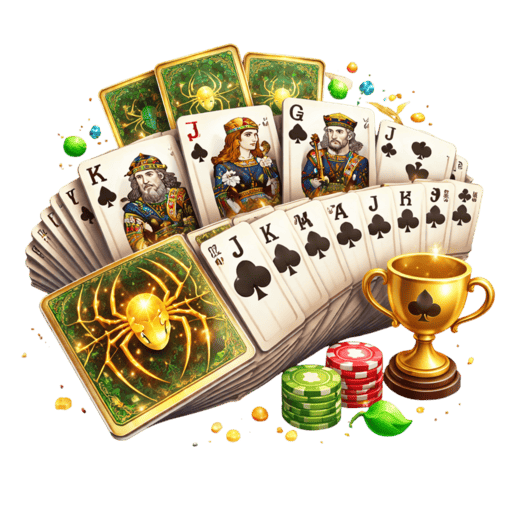
Spider Solitaire — The Marathon Game
Spider Solitaire is arguably the best single game for long flights. A challenging 4-suit game can absorb 30-60 minutes of focused play, and the satisfaction of completing a deal is unmatched. Start with 1-suit to warm up, then progress to 2-suit and 4-suit as the flight continues.
Flight advantage: No quick movements needed — works perfectly on a tray table with limited elbow room.
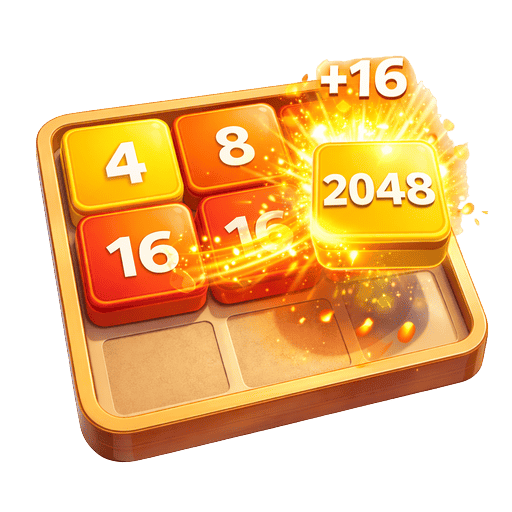
2048 — Strategic Number Merging
2048 is endlessly replayable with simple swipe controls that work one-handed. Each game is self-contained (10-20 minutes), so you can play a few rounds, take a break, and come back. The mathematical strategy stays engaging across dozens of attempts.
Flight advantage: Simple swipe controls work in tight spaces. No sound needed.
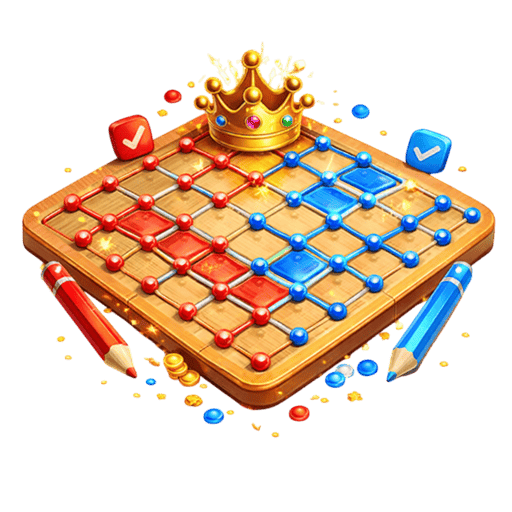
Dots and Boxes — Beat the AI
Dots and Boxes against Hard AI provides 15-20 minutes of deep strategic thinking per game. The abstract nature means it won't disturb neighbors, and the turn-based gameplay accommodates turbulence-induced pauses.
Flight advantage: Turn-based — pause anytime for drink service or announcements.
Hours 2-4: Relaxing Puzzles
As flight fatigue sets in, switch to less demanding but still engaging games.
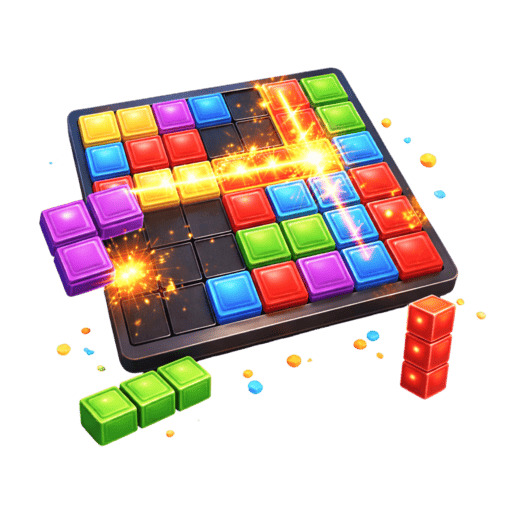
Block Blast — Zen Puzzle Flow
Block Blast hits the sweet spot between engaging and relaxing. Place blocks, clear lines, chase combos — all at your own pace with no timer. A single game can last anywhere from 5 to 50+ minutes depending on how well you play.
Flight advantage: No timer pressure — play at whatever pace your energy allows.
Candy Crush — Colorful Comfort
Candy Crush provides familiar, comforting match-3 gameplay that doesn't demand intense focus. The colorful visuals are a nice contrast to the airplane interior, and the level progression gives a sense of accomplishment.
Flight advantage: Gentle difficulty curve that matches declining energy levels.
Colors Sort — Meditative Logic
Colors Sort is surprisingly calming at altitude. Pour colors between tubes at your own pace — no timer, no pressure, full undo capability. It's the gaming equivalent of a warm cup of tea.
Flight advantage: Calming gameplay reduces flight anxiety.
Hours 4-6: Quick Sessions & Word Games
During the middle stretch of a long flight, you'll alternate between gaming and other activities. These games work perfectly for 5-10 minute bursts.
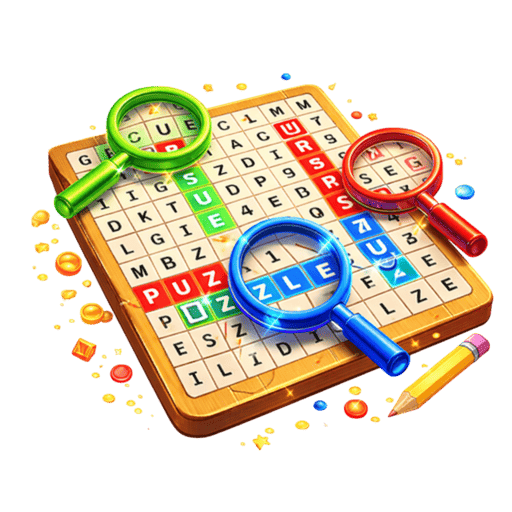
Word Search — Gentle Brain Exercise
Word Search provides low-key engagement that pairs well with listening to music or podcasts. Scanning for hidden words keeps your mind active without demanding full attention.
Flight advantage: Can play while listening to audio entertainment simultaneously.
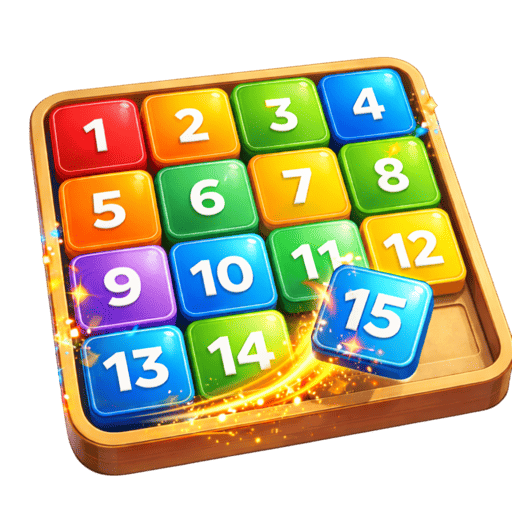
Sliding Numbers — Classic Fidget Puzzle
Sliding Numbers is the perfect "I have 3 minutes to kill" game. Quick rounds, satisfying solves, and the classic 15-puzzle mechanics are timeless for a reason.
Flight advantage: Ultra-quick sessions for brief entertainment windows.
Maze Runner — Explore and Navigate
Maze Runner generates fresh procedural mazes every time. Navigate a ball through twisting corridors — each maze is a self-contained 2-3 minute challenge that's perfect for short attention spans.
Flight advantage: Fresh content every time — never repetitive.
Hours 6+: Low-Energy Entertainment
For the final stretch when you're fighting to stay awake (or trying to fall asleep), these games provide gentle entertainment.
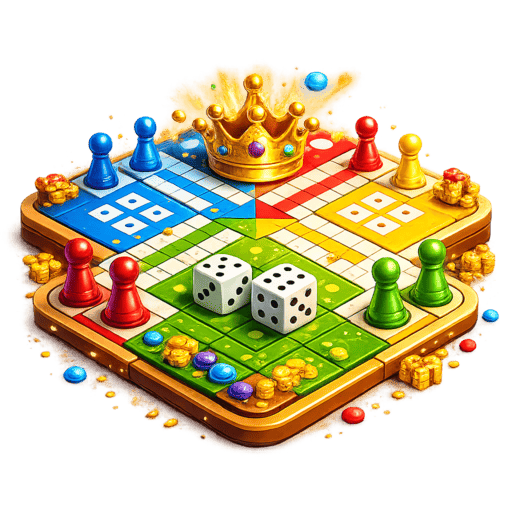
Ludo King — Relaxed Board Gaming
Ludo King on Easy or Medium AI provides the comforting familiarity of a board game without needing a physical board or opponent. Roll dice, move tokens, and enjoy the simple pleasure of a classic game.
Flight advantage: Familiar, low-stress gameplay for fatigued minds.
Battery Optimization Tips
Playtua games are already battery-efficient, but these tips maximize your gaming time:
Lower brightness to 30-40% — the biggest battery saver
Enable airplane mode (you should anyway) — eliminates radio battery drain
Close all other apps — prevents background battery usage
Use dark mode if your phone supports it — saves power on OLED screens
Avoid charging while playing — heat degrades battery performance
With these optimizations, you can easily get 5-6 hours of gameplay from a full charge.
The Ultimate Long-Haul Flight Gaming Schedule
Explore all Playtua features or check out our full game collection.
Keep Reading
Why One App Beats Multiple Downloads
📱 Download Playtua — App Store · Google Play — One download before your flight. 50+ games for the entire journey.
Featured Games


FAQ
Do these games really work in airplane mode?
How much battery do these games use?
Should I download games before my flight?
More Articles
Download Playtua Free
50+ native 3D games, minimal ads, works offline. Go ad-free with Premium!
Download NowLearn a game from its own guide.
After “Best Games for Long Flights — Entertainment Without WiFi”, explore the game guides and collections behind the stories. The dedicated game guides explain objectives, touch controls and practical tips in one place. Use them alongside the articles when you want the details for a particular game.
Penguin Run guide
Learn lane changes, jumping and sliding, then follow the goal of reaching the end of the jungle track.
ExploreBlock Blast guide
Understand block placement, line clearing and the space you need to keep open for the next shape.
ExploreCar Racing guide
Read the steering controls and learn how traffic, speed and the finish-line objective fit together.
ExploreFind a collection for your next break.
Collections group games around a style of session, from a few spare minutes to a longer offline journey. Their descriptions help you compare ideas without committing to a particular genre.
Quick-break games
Discover picks for a spare moment, with clear objectives and a range of controls and challenge levels.
ExploreOffline travel
Explore games for journeys and places where a reliable connection may be unavailable.
ExploreBrain-training picks
Browse puzzles and strategy games built around patterns, planning and making thoughtful choices.
ExploreMore stories from the collection.
Continue with a practical guide or a closer look at a way to play. These articles connect specific games with the everyday moments in which you might enjoy them.
Car Racing tips
Read ideas for handling traffic and building a more consistent run in Car Racing.
ExploreOffline games
Explore the collection’s offline side and ideas for choosing games before your next journey.
ExploreGames for families
Read the parents’ guide to choosing games from the collection and exploring them together.
ExploreOne collection on iOS and Android.
Choose your device’s store to see current compatibility, installation details and available purchase options. All games currently remain playable without a subscription; Premium badges are labels only.
App Store
Open the iOS listing to check device compatibility and install Playtua on your supported Apple device.
ExploreGoogle Play
Open the Android listing to review compatibility and installation details for your phone or tablet.
ExploreFree and Premium
Play the collection free with ads, or review the optional ad-free subscription. The purchase screen shows the current local price and billing terms.
Explore