 playtua
Best Games to Play When You Can't Sleep — Calming Games for Insomnia
Can't sleep? These calming mobile games help quiet a racing mind without the blue light blast of social media. Gentle puzzles designed for bedtime. Explore the topic in detail, discover related games and follow the links to keep learning. Whether you are choosing your next game or returning to a favourite, use this story as a starting point for a more enjoyable round.


It's 2 AM. You've been staring at the ceiling for an hour. Your mind won't stop racing. You grab your phone — and the worst thing you can do is open social media, news, or YouTube. The bright colors, emotional content, and infinite scroll will wire your brain further.
But the right kind of game can actually help. Gentle, repetitive puzzle games occupy just enough mental bandwidth to quiet racing thoughts without stimulating your brain further. Here's your late-night gaming prescription.
Why Certain Games Help with Insomnia
The science behind bedtime gaming:
Cognitive occupation — Simple puzzles give your brain a single, manageable task instead of spiraling through anxious thoughts
Repetitive patterns — Like counting sheep, repetitive game mechanics lull the brain toward sleep
Low arousal — Games without time pressure, competition, or stakes keep stress hormones low
Flow state — Gentle immersion replaces rumination with calm focus
Closure — Completing a puzzle provides a satisfying endpoint to put the phone down
The key: the game must be engaging enough to stop thought spirals but boring enough that you naturally drift off.
The Best Bedtime Games
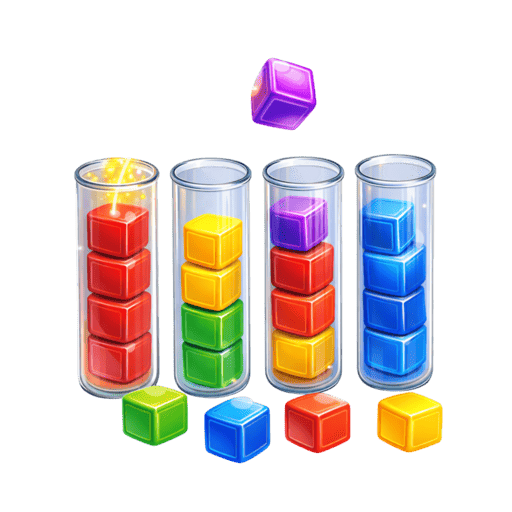
Colors Sort — Liquid Meditation
All of these games are available for free on Google Play and the App Store — no subscriptions needed.
Colors Sort is the #1 bedtime game. Pouring colored liquids between tubes is inherently soothing — the gentle animation, the satisfying completion, and the zero-pressure pacing create an almost meditative experience.
Why it works for insomnia: The visual simplicity doesn't overstimulate. The logical challenge occupies your analytical mind without engaging your emotional brain. There's no penalty for pausing, no timer, and no score pressure. Many players report falling asleep mid-puzzle.
Bedtime tip: Lower your screen brightness to minimum and enable night/warm mode.
Popit Fidget — Digital Comfort Object
Popit Fidget is pure sensory comfort. No goals, no scores, no winning or losing — just pop bubbles in whatever pattern feels satisfying. It's the digital equivalent of a stress ball.
Why it works for insomnia: The repetitive popping provides enough sensory engagement to prevent thought spiraling while being utterly un-stimulating. It's impossible to get stressed or excited playing Popit Fidget.
Bedtime tip: Pop slowly and rhythmically — match your breathing to your popping pattern.
Spider Solitaire — Quiet Engagement
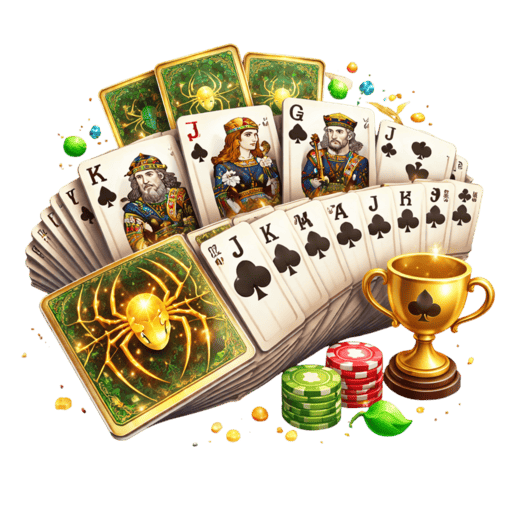
Spider Solitaire in 1-suit mode provides gentle card-sorting engagement. The familiar mechanics require just enough thought to prevent rumination without demanding intense focus.
Why it works for insomnia: Card games have been used for centuries as pre-sleep rituals. The repetitive deal-sort-stack pattern is inherently calming, and the muted visuals don't overstimulate.
Bedtime tip: Stick to 1-suit mode. 2-suit and 4-suit are too engaging for pre-sleep.
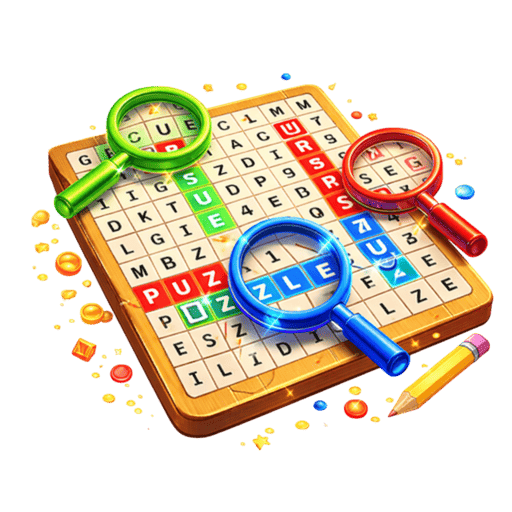
Word Search — Gentle Scanning
Word Search provides the lightest possible cognitive engagement. Scanning for hidden words is just mentally active enough to prevent thought loops while being deeply monotonous in the best possible way.
Why it works for insomnia: The scanning pattern is visually repetitive. Your eyes move in predictable patterns across the grid, which has a hypnotic quality similar to reading a dull book.
Bubble Shooter — Rhythmic Popping
Bubble Shooter offers gentle, rhythmic gameplay — aim, shoot, pop. The consistent pattern is almost like a visual lullaby. The cascading bubble chains provide satisfying closure without excitement.
Why it works for insomnia: The aim-shoot-pop cycle becomes automatic after a few minutes, allowing your conscious mind to relax while your hands stay gently occupied.
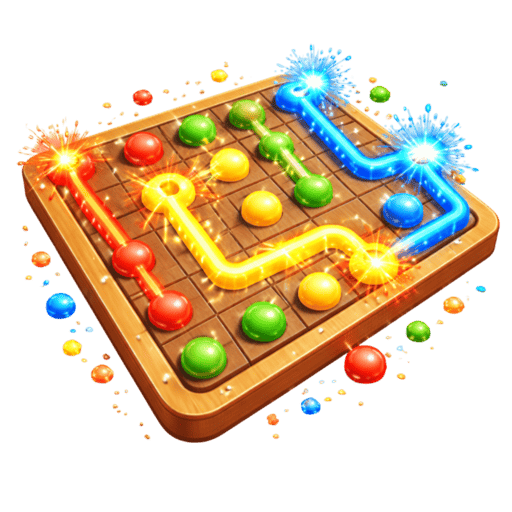
Connect Em All — Quiet Path Drawing
Connect Em All involves drawing paths between matching dots. The gentle line-drawing motion and spatial puzzle engage just enough brain power to prevent racing thoughts.
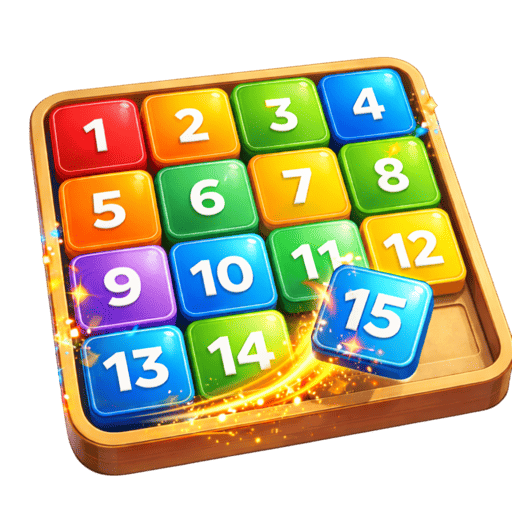
Sliding Numbers — Familiar and Meditative
Sliding Numbers is the classic tile-sliding puzzle that's been calming minds since the 1880s. The familiar mechanic requires minimal cognitive load while keeping hands and mind gently occupied.
Games to AVOID Before Bed
Not all games are sleep-friendly. Avoid these at night:
Flappy Bird — Too intense, causes frustration and adrenaline
Car Racing / Bike Racing — Fast-paced action stimulates alertness
Fruit Ninja — Quick reflexes engage fight-or-flight responses
Candy Crush (timed levels) — Timer pressure creates anxiety
Whack A Mole — Rapid tapping increases heart rate
Save these for daytime when you want energy and stimulation.
The Ideal Bedtime Gaming Setup
30 minutes before desired sleep time — get into bed
Enable night mode on your phone (warm/amber screen tint)
Lower brightness to 20-30% — minimum comfortable visibility
Turn off sound — play in silence or with white noise
Choose Colors Sort, Popit Fidget, or Spider Solitaire
Play until drowsy — don't fight sleep when it comes
Put phone face-down when you feel sleepy
The Science of Pre-Sleep Screen Time
The common advice "no screens before bed" is oversimplified. What matters is:
Content type — Calming puzzles are very different from stimulating social media
Brightness — Low brightness with night mode minimizes blue light impact
Duration — 15-20 minutes of gentle gaming is fine; 2 hours of scrolling is not
Emotional engagement — News and social media trigger emotional responses; puzzles don't
A 2021 study in the Journal of Sleep Research found that participants who played simple puzzle games before bed fell asleep faster than those who used social media or watched videos, despite equal screen time.
Learn more about what makes Playtua different on our features page.
Keep Reading
When Gaming Isn't Enough
If insomnia persists for more than 2-3 weeks, gaming is a coping tool, not a cure. Consider:
Sleep hygiene basics — consistent bedtime, cool room, dark environment
Cognitive Behavioral Therapy for Insomnia (CBT-I) — the gold standard treatment
Consulting a healthcare provider — chronic insomnia may have underlying causes
Games like these are part of a healthy sleep toolkit, not a replacement for medical advice.
📱 Download Playtua — App Store · Google Play — Calming games for sleepless nights. Free, no ads, works offline.
Featured Games


FAQ
Won't playing games on my phone make insomnia worse?
Which game is most relaxing before bed?
More Articles
Download Playtua Free
50+ native 3D games, minimal ads, works offline. Go ad-free with Premium!
Download NowLearn a game from its own guide.
After “Best Games to Play When You Can't Sleep — Calming Games for Insomnia”, explore the game guides and collections behind the stories. The dedicated game guides explain objectives, touch controls and practical tips in one place. Use them alongside the articles when you want the details for a particular game.
Penguin Run guide
Learn lane changes, jumping and sliding, then follow the goal of reaching the end of the jungle track.
ExploreBlock Blast guide
Understand block placement, line clearing and the space you need to keep open for the next shape.
ExploreCar Racing guide
Read the steering controls and learn how traffic, speed and the finish-line objective fit together.
ExploreFind a collection for your next break.
Collections group games around a style of session, from a few spare minutes to a longer offline journey. Their descriptions help you compare ideas without committing to a particular genre.
Quick-break games
Discover picks for a spare moment, with clear objectives and a range of controls and challenge levels.
ExploreOffline travel
Explore games for journeys and places where a reliable connection may be unavailable.
ExploreBrain-training picks
Browse puzzles and strategy games built around patterns, planning and making thoughtful choices.
ExploreMore stories from the collection.
Continue with a practical guide or a closer look at a way to play. These articles connect specific games with the everyday moments in which you might enjoy them.
Car Racing tips
Read ideas for handling traffic and building a more consistent run in Car Racing.
ExploreOffline games
Explore the collection’s offline side and ideas for choosing games before your next journey.
ExploreGames for families
Read the parents’ guide to choosing games from the collection and exploring them together.
ExploreOne collection on iOS and Android.
Choose your device’s store to see current compatibility, installation details and available purchase options. All games currently remain playable without a subscription; Premium badges are labels only.
App Store
Open the iOS listing to check device compatibility and install Playtua on your supported Apple device.
ExploreGoogle Play
Open the Android listing to review compatibility and installation details for your phone or tablet.
ExploreFree and Premium
Play the collection free with ads, or review the optional ad-free subscription. The purchase screen shows the current local price and billing terms.
Explore